 TV Remote
Your TV. One remote.
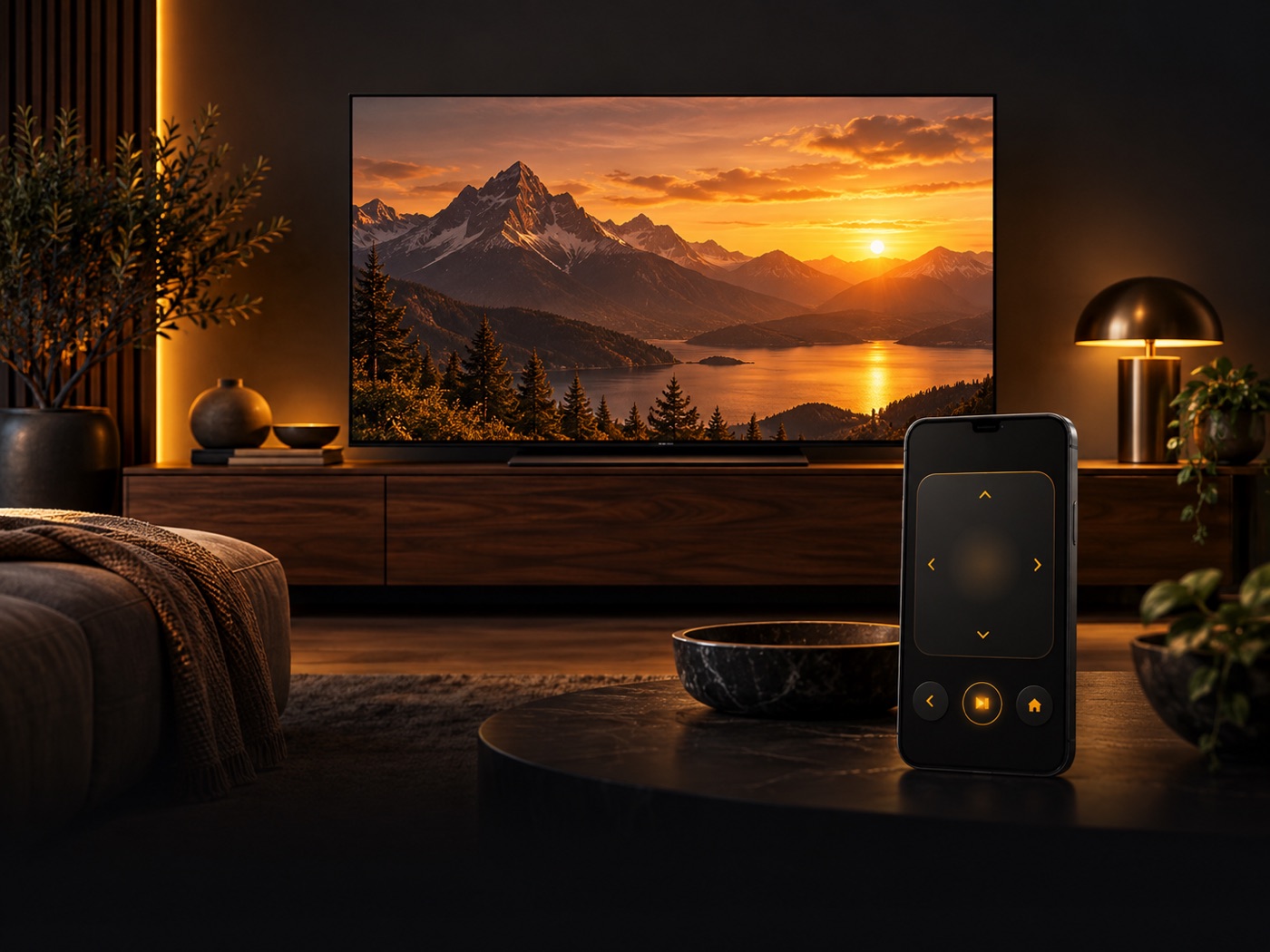
Control your Smart TV, type with your phone, open TV apps and show photos, videos and your screen — over your home Wi‑Fi.
Free compatibility check · No account · No ads
Features depend on the TV model and its software. The free check in the app shows what works with your TV.
Everything on one screen
For the moments you reach for the remote — and can’t find it.
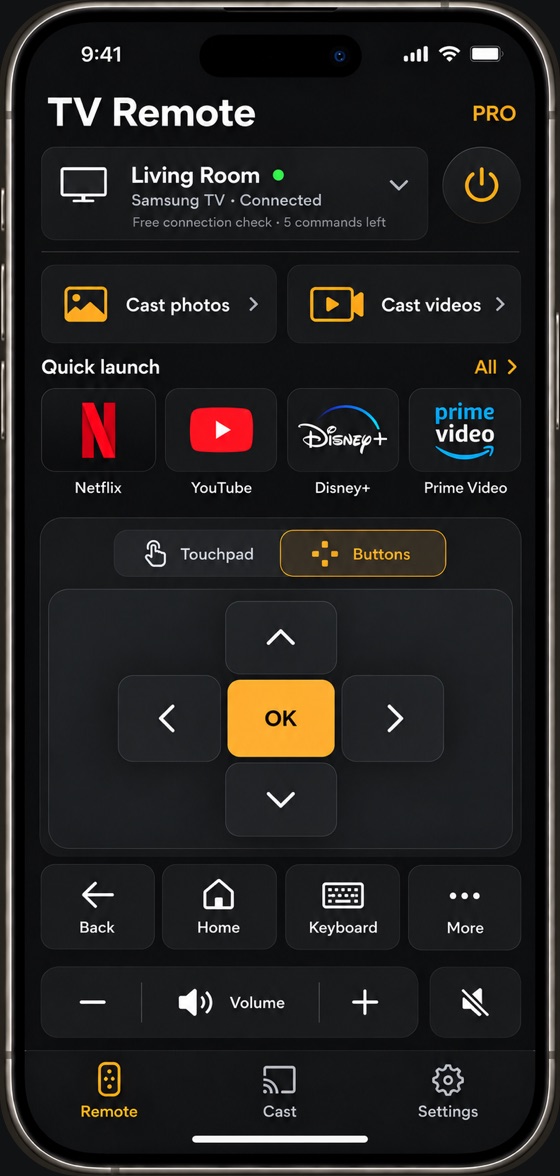
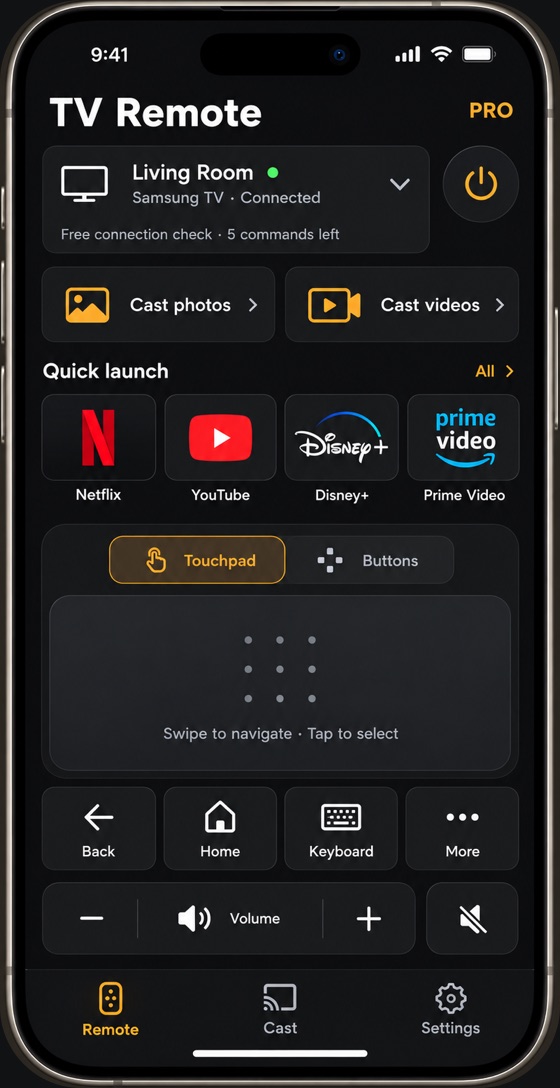
Remote & touchpad
Arrows or a swipe touchpad, volume, Home and Back — with instant feedback on your phone.
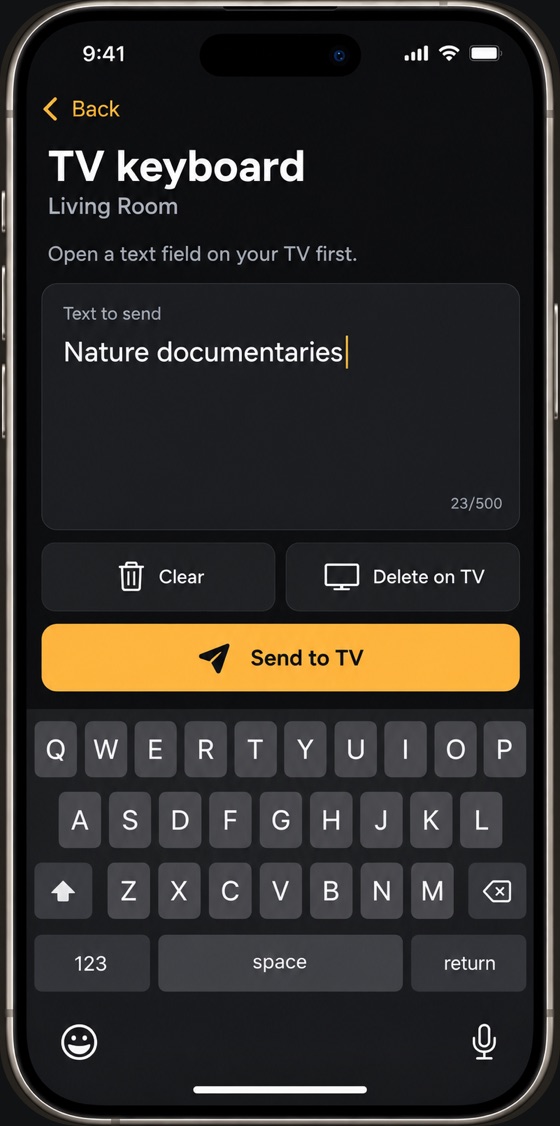
Phone keyboard
Type searches and logins on your iPhone instead of letter by letter on the TV.
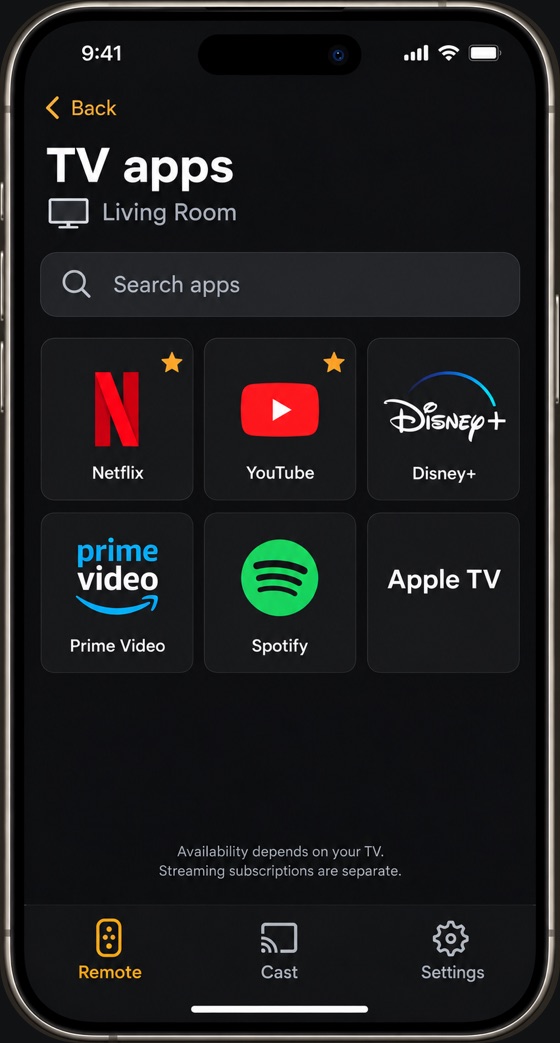
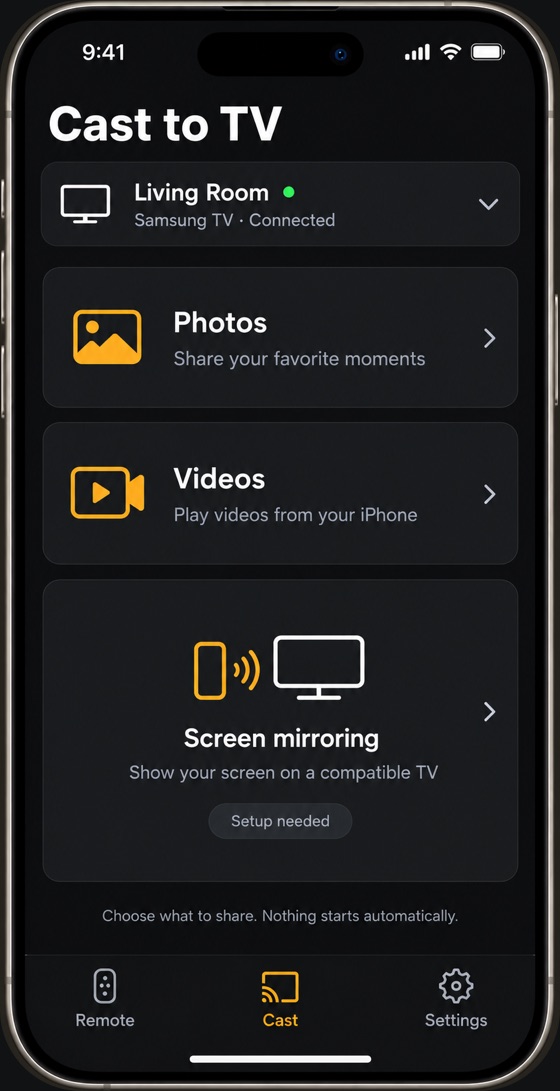
Quick launch
Open your favorite TV apps in one tap. Availability depends on what’s installed on your TV.
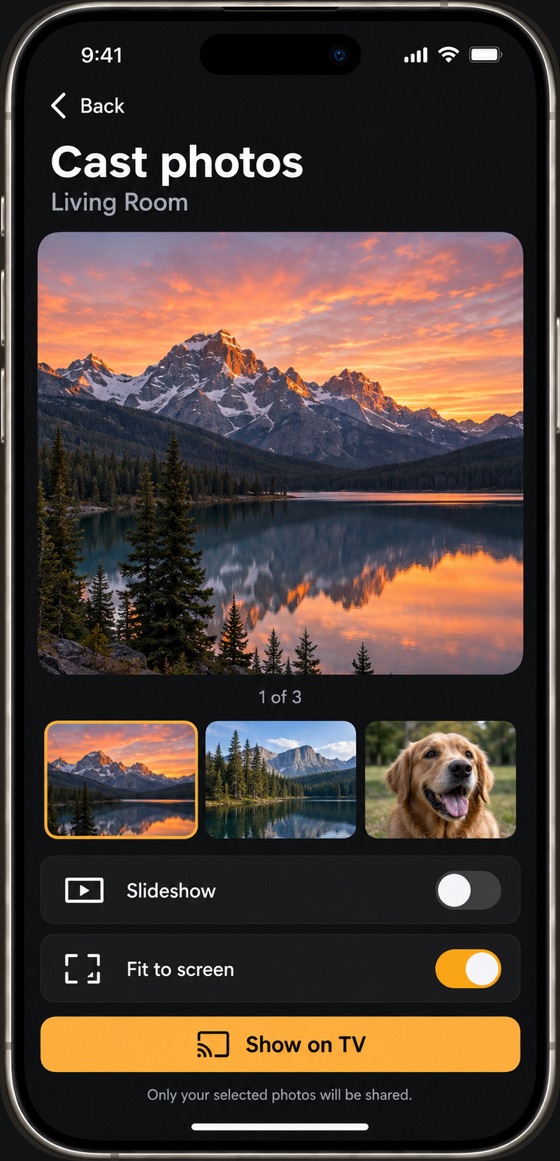
Photos & videos
Show the photos and videos you pick. Only your selection is shared — nothing else from your library.
Screen mirroring
Show your iPhone screen in the TV’s web browser on supported Samsung and LG TVs. Picture only — sound stays on the iPhone.
Private by design
Everything travels over your home network straight to your TV. Analytics stay off unless you turn them on.
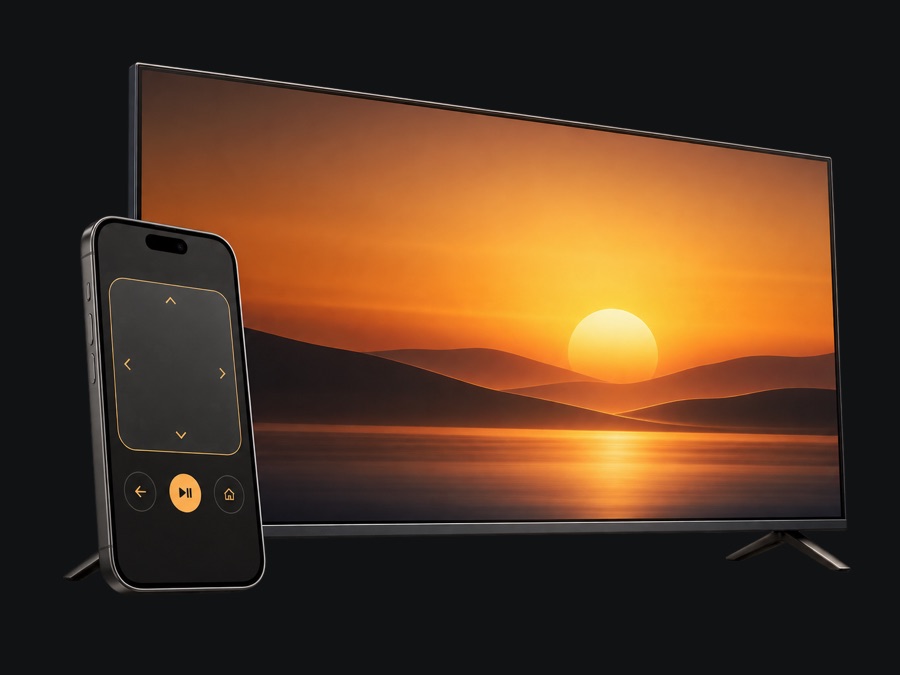
Your TV. One remote.
Connect to a compatible Smart TV and control it from your iPhone.


Your favorites. One tap.
Open TV apps and type with your phone on supported TVs.
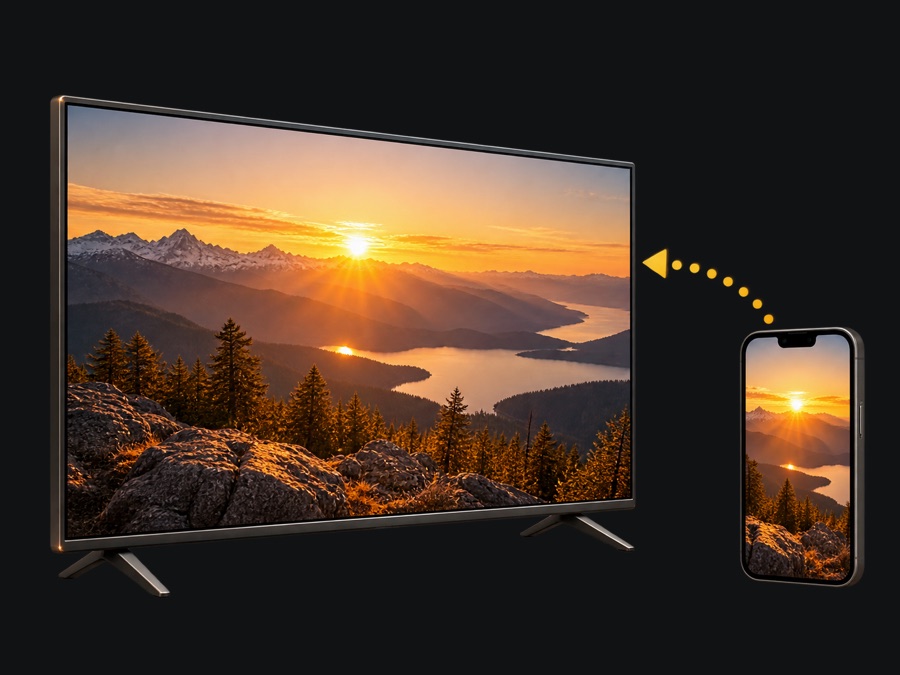
Small moments. Big screen.
Share photos, play videos and mirror your screen on compatible TVs.
See it in action
A calm, dark interface built for one hand and a dim living room.
Up and running in a minute
Same Wi‑Fi
Connect your iPhone and TV to the same home network and turn the TV on.
Pair once
Choose your TV, then allow the connection on the TV or enter the code it shows.
Check for free
Try the remote, photos and mirroring on your own TV before you choose a plan.
Remote Pro
Unlimited remote control, keyboard and app shortcuts, photos, videos and screen mirroring on supported TVs.
Monthly, yearly — with a 3‑day free trial for eligible new subscribers — or a one-time lifetime purchase. Prices are shown in the App Store for your country.
Subscriptions renew automatically until canceled. You can manage or cancel them anytime in your Apple account settings.
Remote Pro includes
- Unlimited remote control
- Keyboard & app shortcuts
- Photo, video & screen sharing
Questions
Which TVs are supported?
Samsung Smart TVs with Tizen (2016 and newer), LG Smart TVs with webOS, and TVs or streaming boxes with Android TV or Google TV. The free check in the app shows what works with your model.
Do I need an account?
No. There’s no sign-up. Purchases go through your Apple account.
Are my photos or my screen sent to your servers?
No. Photos, videos, typed text and screen images go directly from your iPhone to your TV over your home network.
Why is there no sound when mirroring my screen?
Screen mirroring shows the picture in the TV’s web browser; sound keeps playing on the iPhone. Videos shared with “Photos & videos” play on the TV with sound.
The app doesn’t find my TV.
Make sure both devices use the same Wi‑Fi (not a guest network), the TV is on, and Local Network access is allowed for TV Remote in iOS Settings. See Help for more.